

Ninety-six portrait LCDs, one 50-foot image, and a wall built so any screen can be serviced with a single push.
For years the poster wall in the lobby of ArcLight Cinemas Sherman Oaks was part of the ArcLight experience. In 2016 it went digital as a 96-screen LCD video wall, and the result was billed at launch as the largest digital lobby display in the domestic cinema industry.
The ArcLight StoryWall is nearly 50 feet wide and about 15 feet tall. It is made of 96 individual screens, set in portrait and arranged in rows, that sync together to show one large still or moving image. Cinema Scene Marketing delivered the project with OUTFRONT Media’s ON Smart Media platform, built on Videri technology, and handled the installation. SurfaceID engineered the wall’s mechanical system, working alongside Videri’s project managers, who ran the program for Videri.
The screens behind it are ones we know well. From 2012 to 2020, SurfaceID developed LCD screens for Videri, the same family of displays that went into the New York City subway and later into retail and cinema installations. On the StoryWall our mechanical engineers took on more than the screens: we selected the mounting hardware, designed and built the support structure, and tested how it all worked together. This is the story of how we turned 96 of those screens into one LCD video wall that holds up, stays wired, and is easy to service.
Building the LCD video wall in Montreal
An LCD video wall of 96 large screens is heavy, and a typical lobby wall isn’t designed to hang that kind of weight. A site survey found the existing wall couldn’t take the load of a traditional wall-mounted design. The answer was a floor-supported structure that bears the weight of the screens and only leans on the building wall for stability.
Our mechanical engineers designed and built the large engineered plywood structure that sits behind the screens, working with Videri’s project team. It gives every mount a solid, flat base, keeps the grid of screens true across the whole width of the wall, and gives the cabling a path to every position.
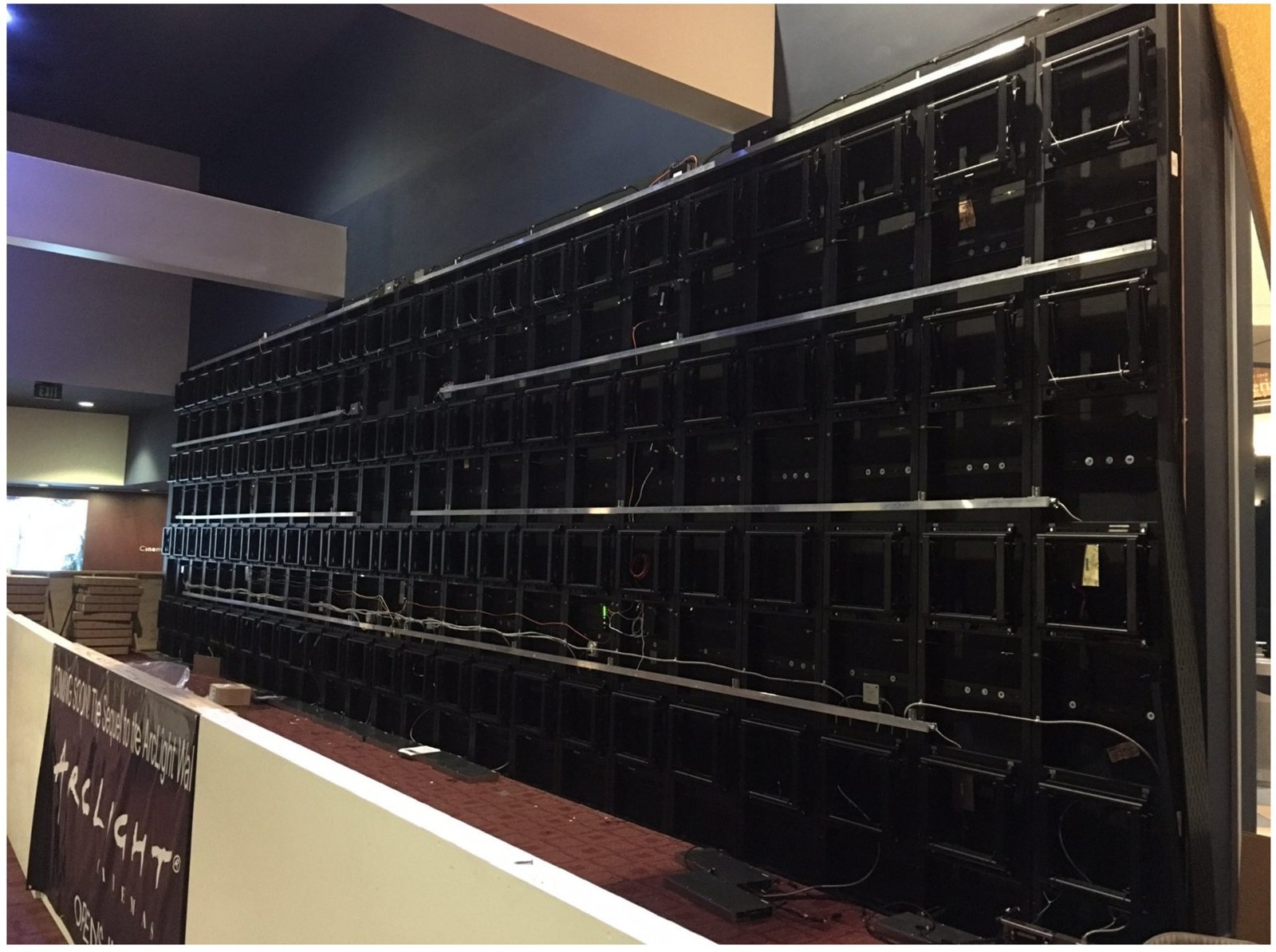
Before anything went to Los Angeles, our engineers built the whole wall at a staging site in Montreal: structure, mounts, screens and cabling. We tested it there as a complete LCD video wall, checked every screen, and only then shipped it to ArcLight Cinemas for installation.
The hardware: press-and-release mounts
We selected the Premier Mounts LMVP Press & Release video wall mount for every position, set up for portrait screens. We wanted a mount that would hold 96 screens in a tight, even grid and still let any one of them be opened from the front. The mount uses a scissor arm. Press on the edge of a screen and the latch lets go, and the screen moves out on the arm, away from the wall. Push it back and it locks in place.
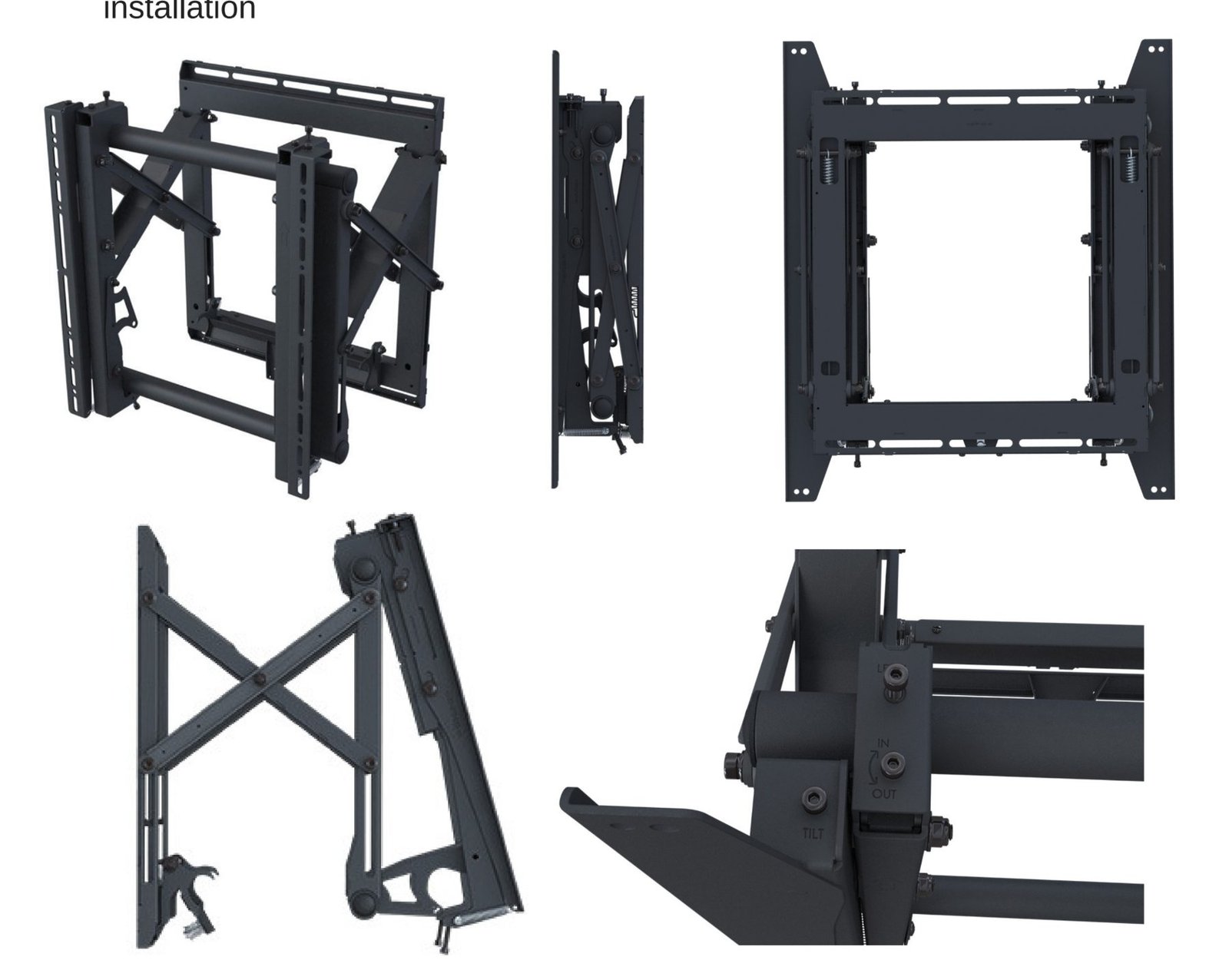
Premier Mounts lists a few features that matter on a wall this size:
- Press-and-release on the screen’s edge for service from the front, with no pull cords or hidden latches.
- A scissor arm with about 18 inches of smooth travel.
- Adjustable top brackets for fine alignment in all three directions, so 96 screens can line up into one clean grid.
- Security locks so moviegoers can’t pull a screen off the wall.
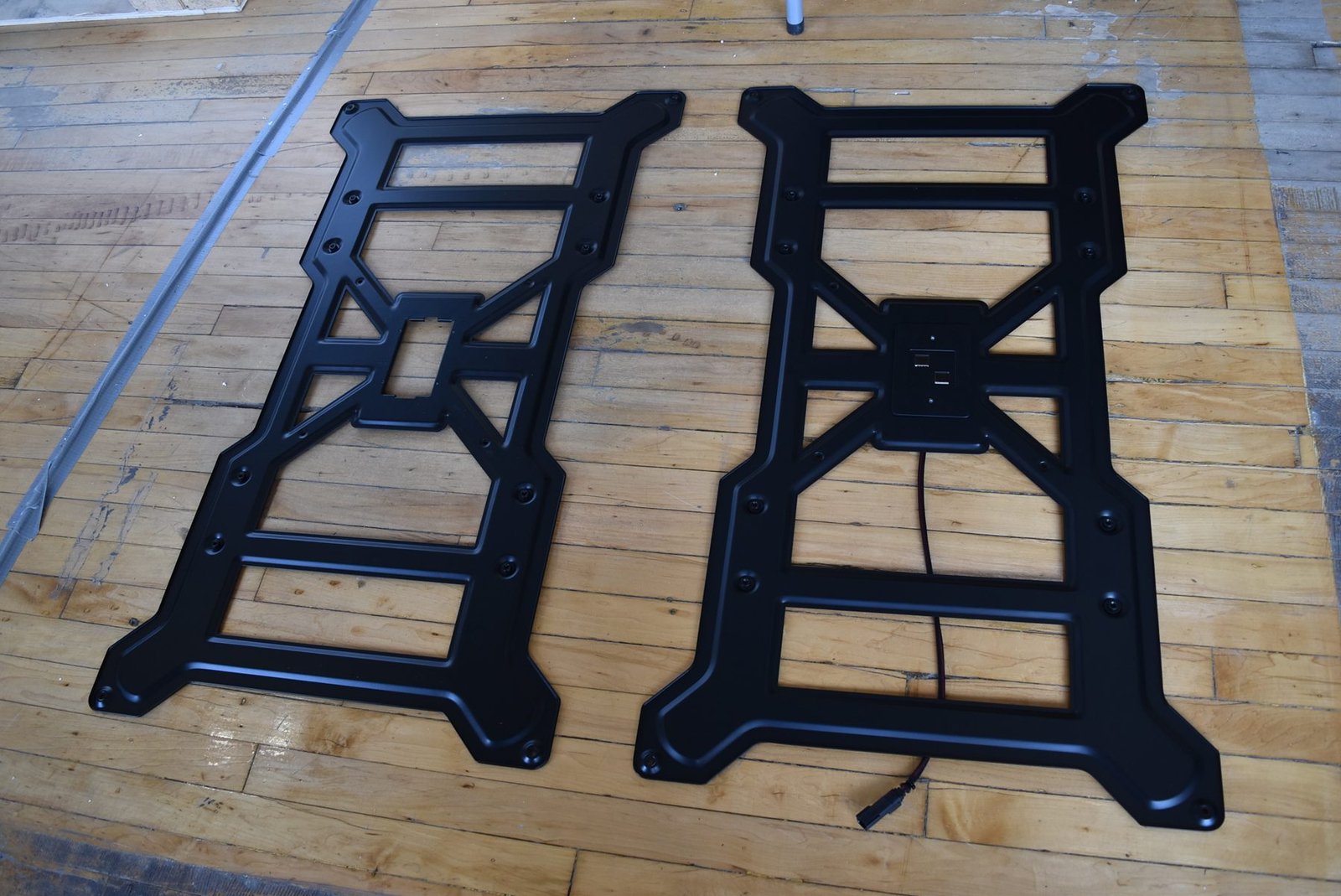
On the back of each screen, a pair of brackets connects the screen to its mount. They are what lets a screen hang straight on the arm and line up with its neighbours.
Serviceability: one push
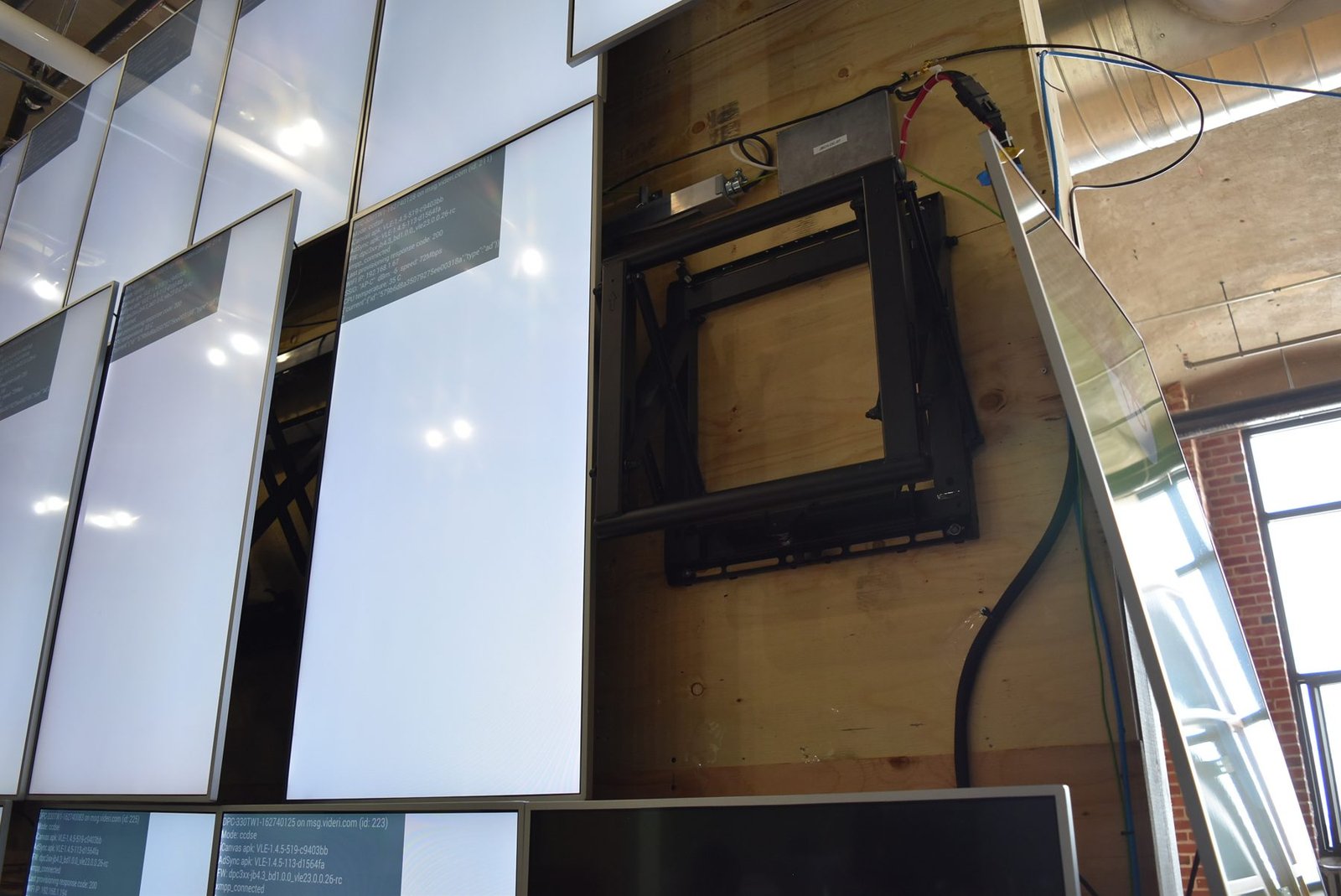
This is the part of the wall we like best. In a busy cinema lobby, nobody wants to take down a section of wall to reach one screen. Here, a technician presses on the screen, it releases, and it comes forward on its arm with the cables and electronics right there. When the work is done, it pushes back into line.
We tested that action ourselves before the wall left Montreal: how each screen fit its mount, how cleanly the push-to-release worked, how much room there was to service the back, and how the structure handled the load.
Any one of the 96 screens can be opened from the front, by hand, in seconds.
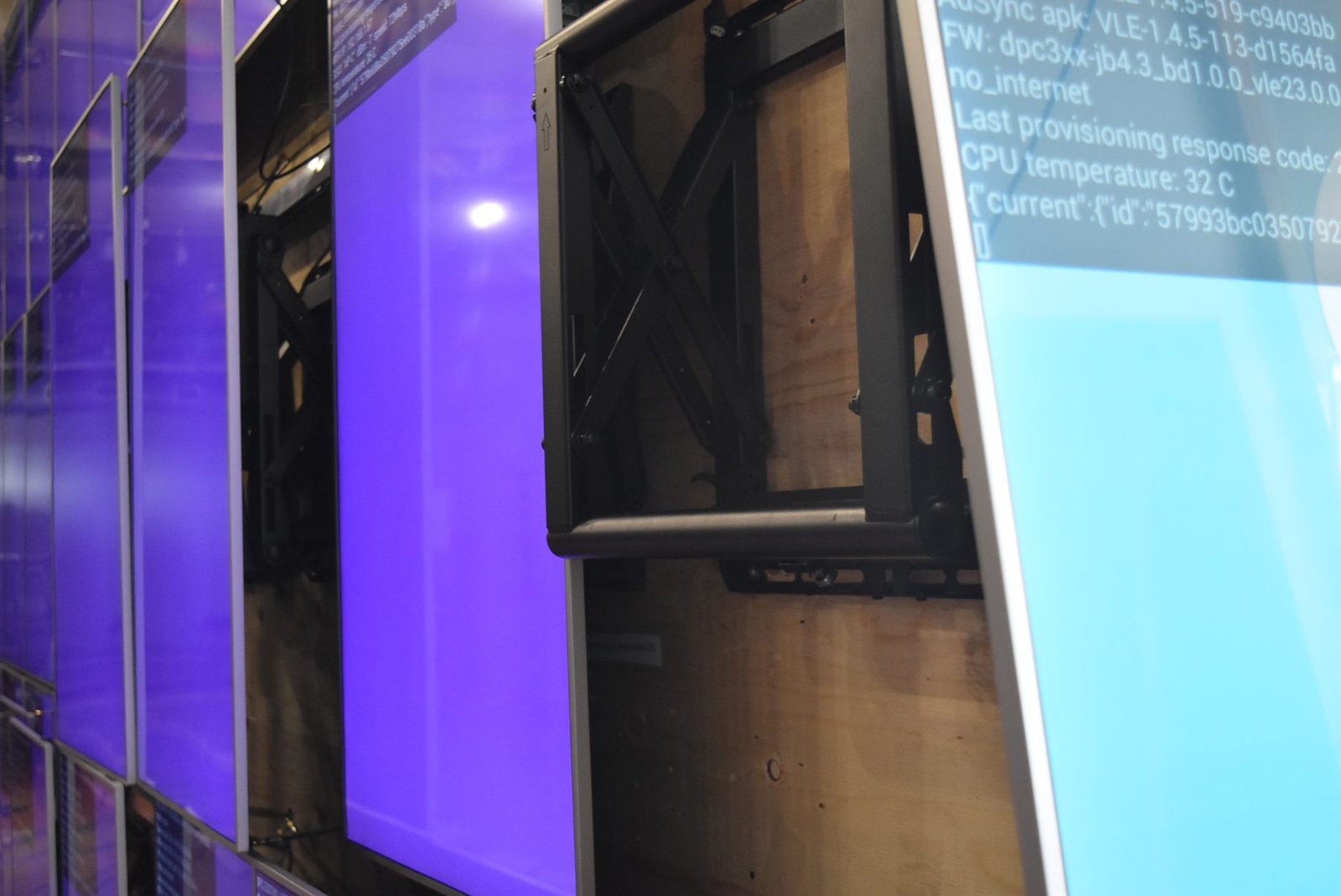
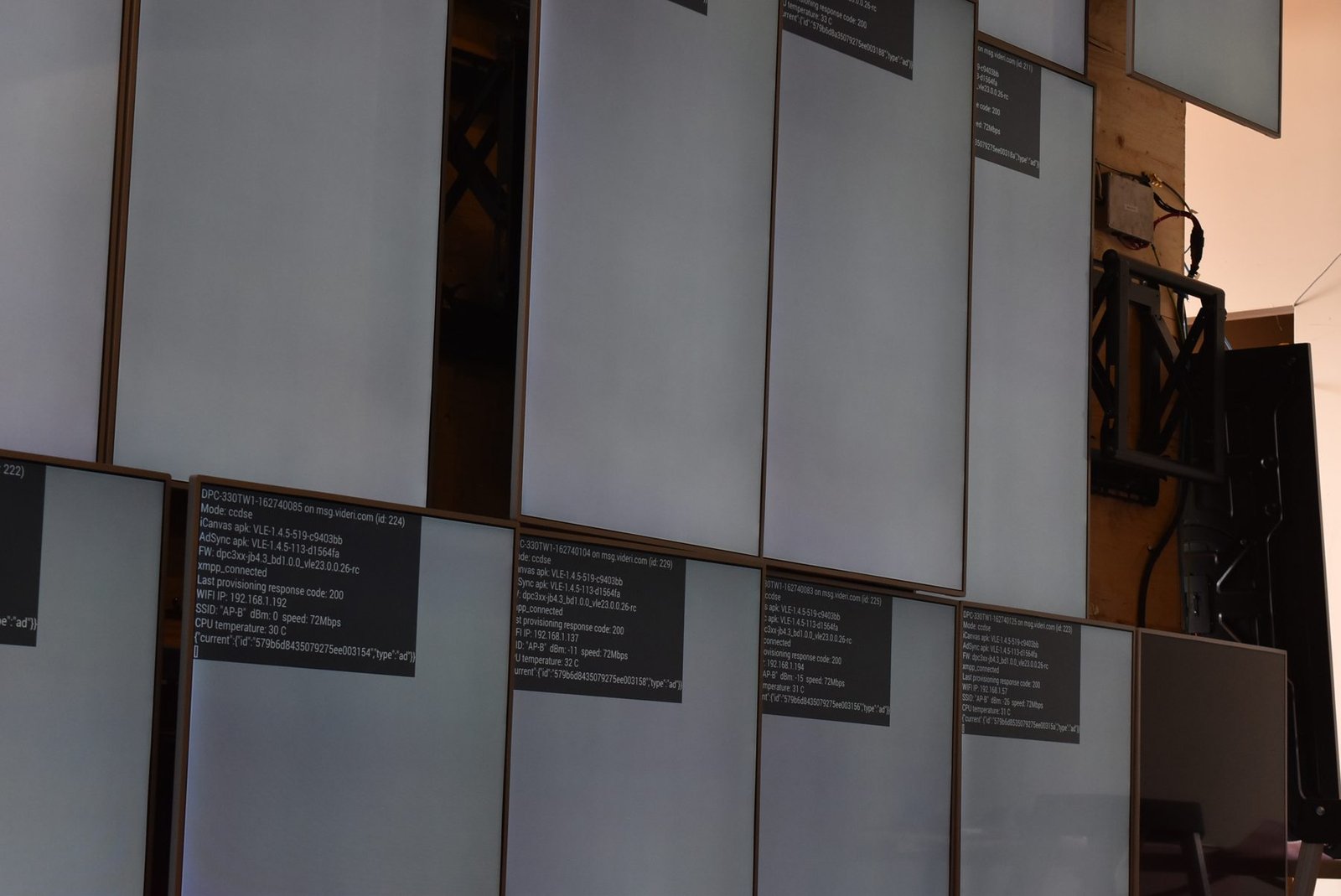
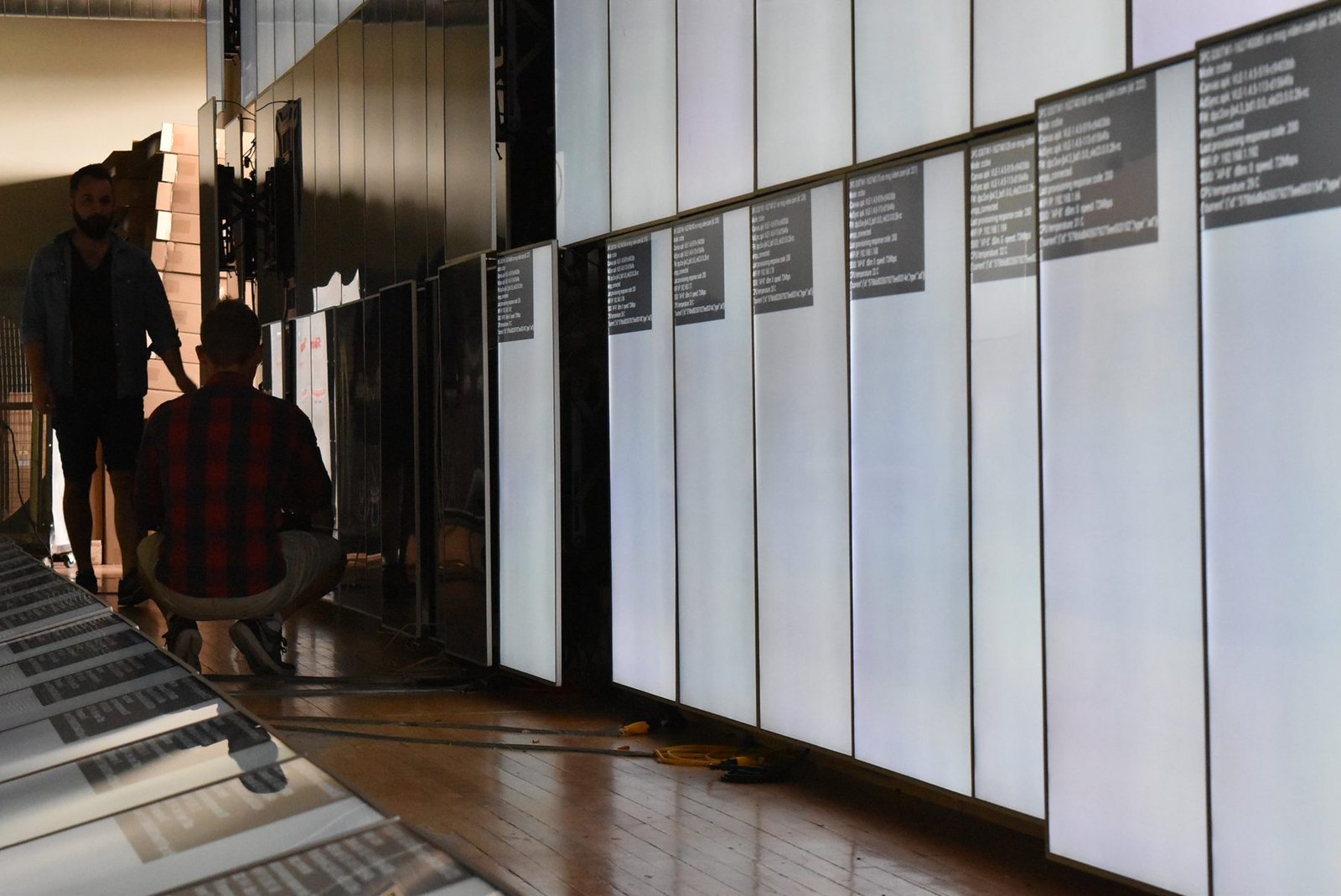
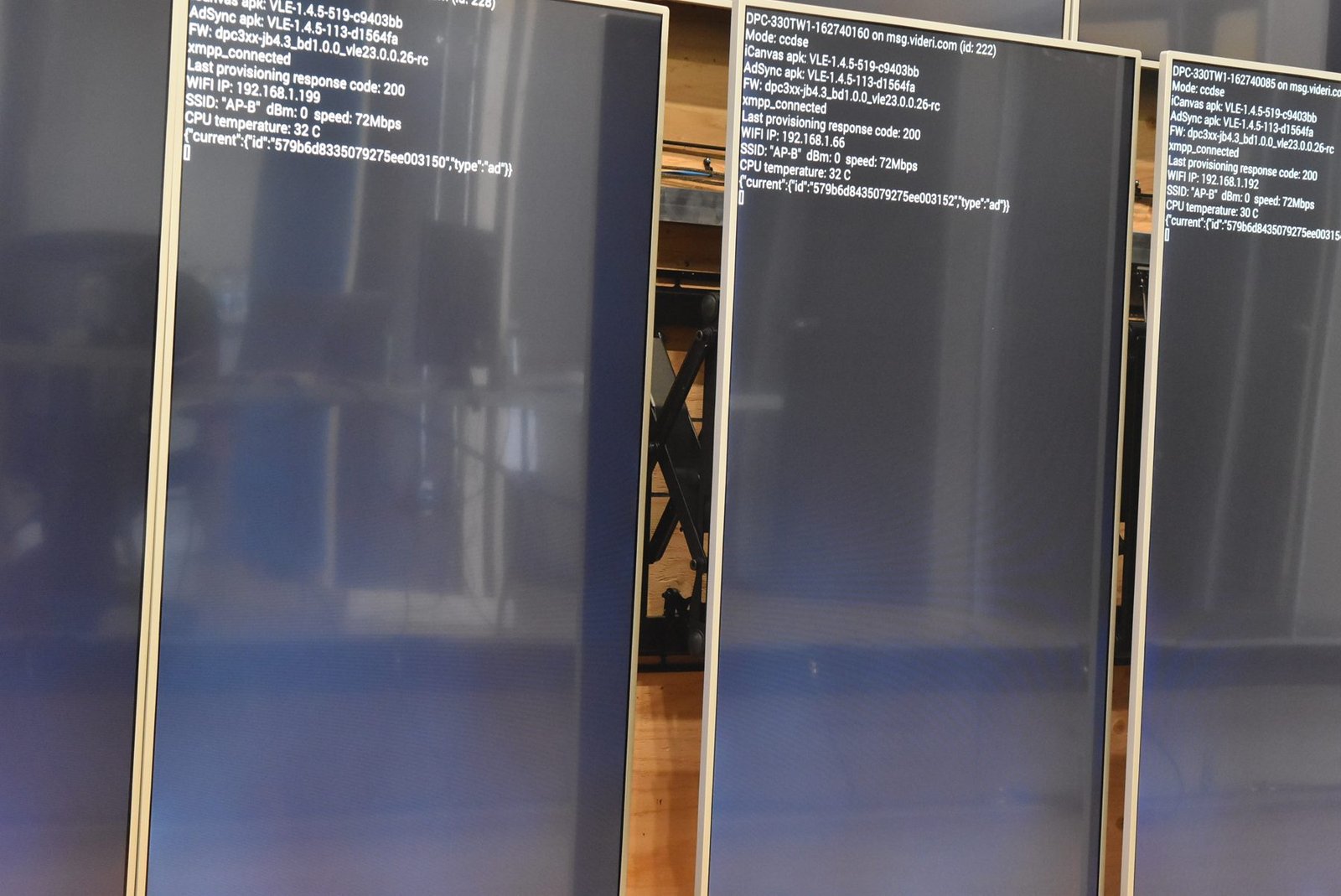
Each screen can also show its own status. During setup and service, the screens display a block of diagnostic text: the unit’s ID, software version, network status, temperature and its connection to Videri’s servers. That makes it easy to see at a glance which screen needs attention.
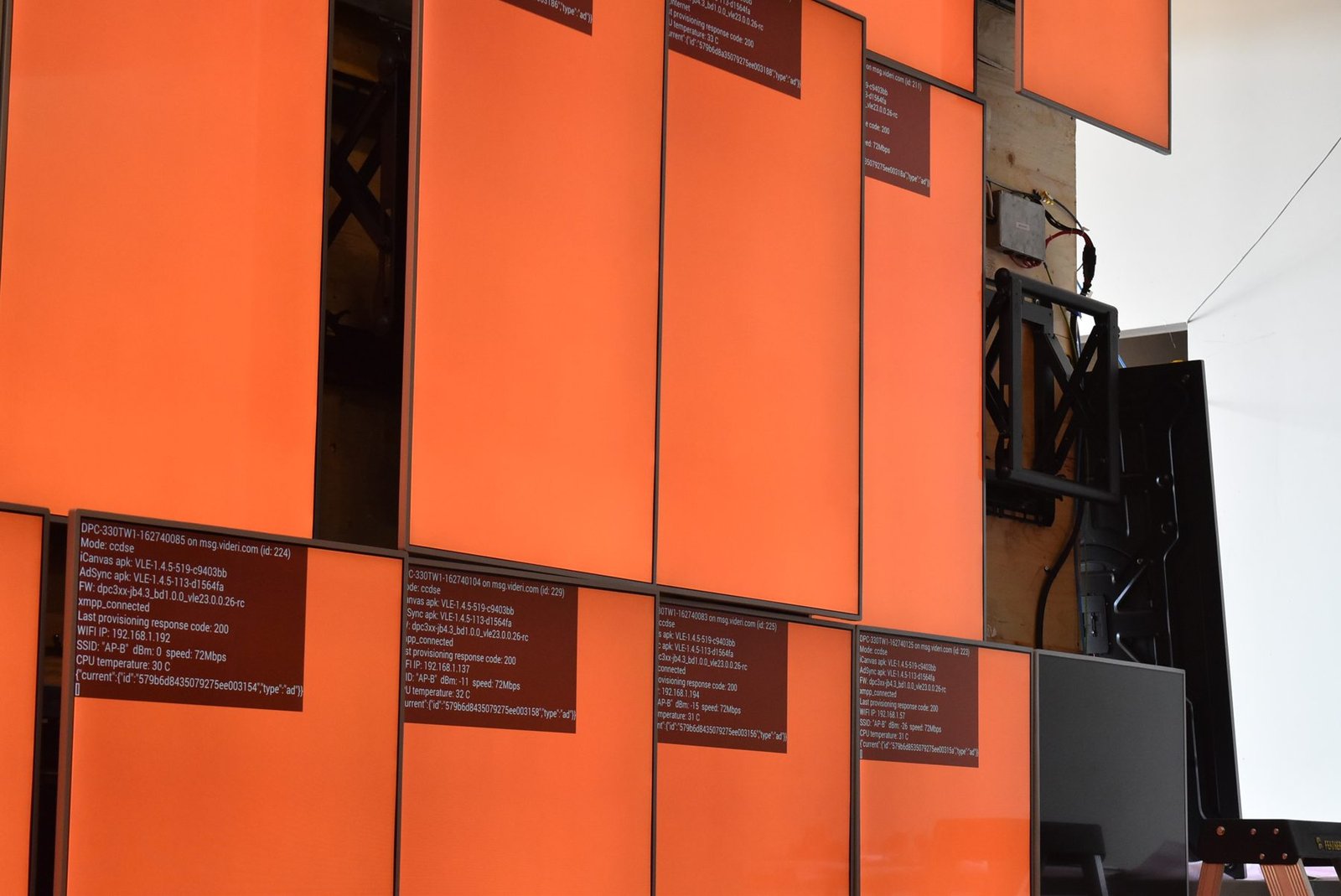
Cabling: hidden, but within reach
Every screen needs power and a connection, and on a 96-screen wall that is a lot of cable. The cables run through the structure behind the screens, so from the lobby you see only the image. Because each screen can pop out on its mount, the cables behind it stay reachable without taking anything apart.
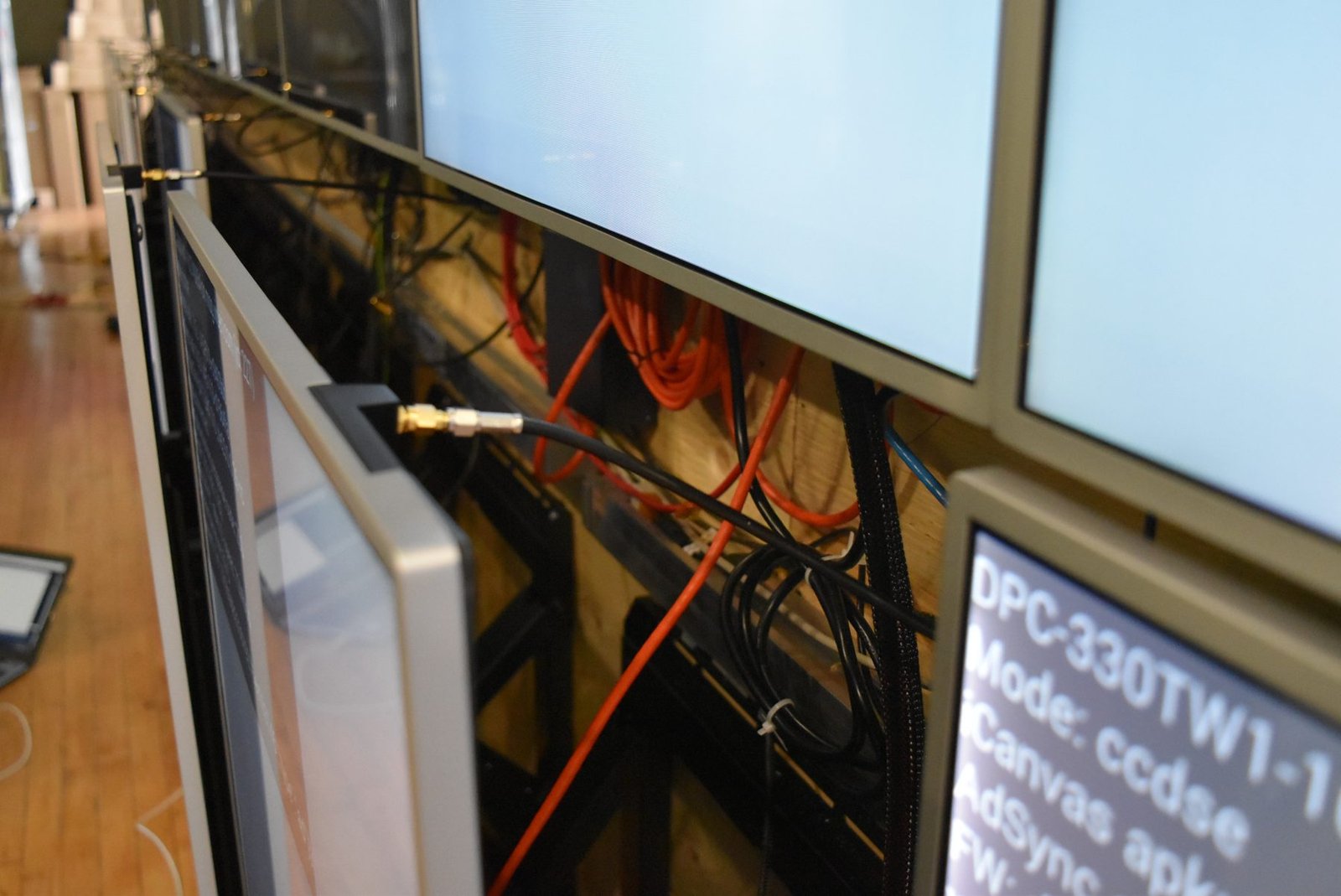
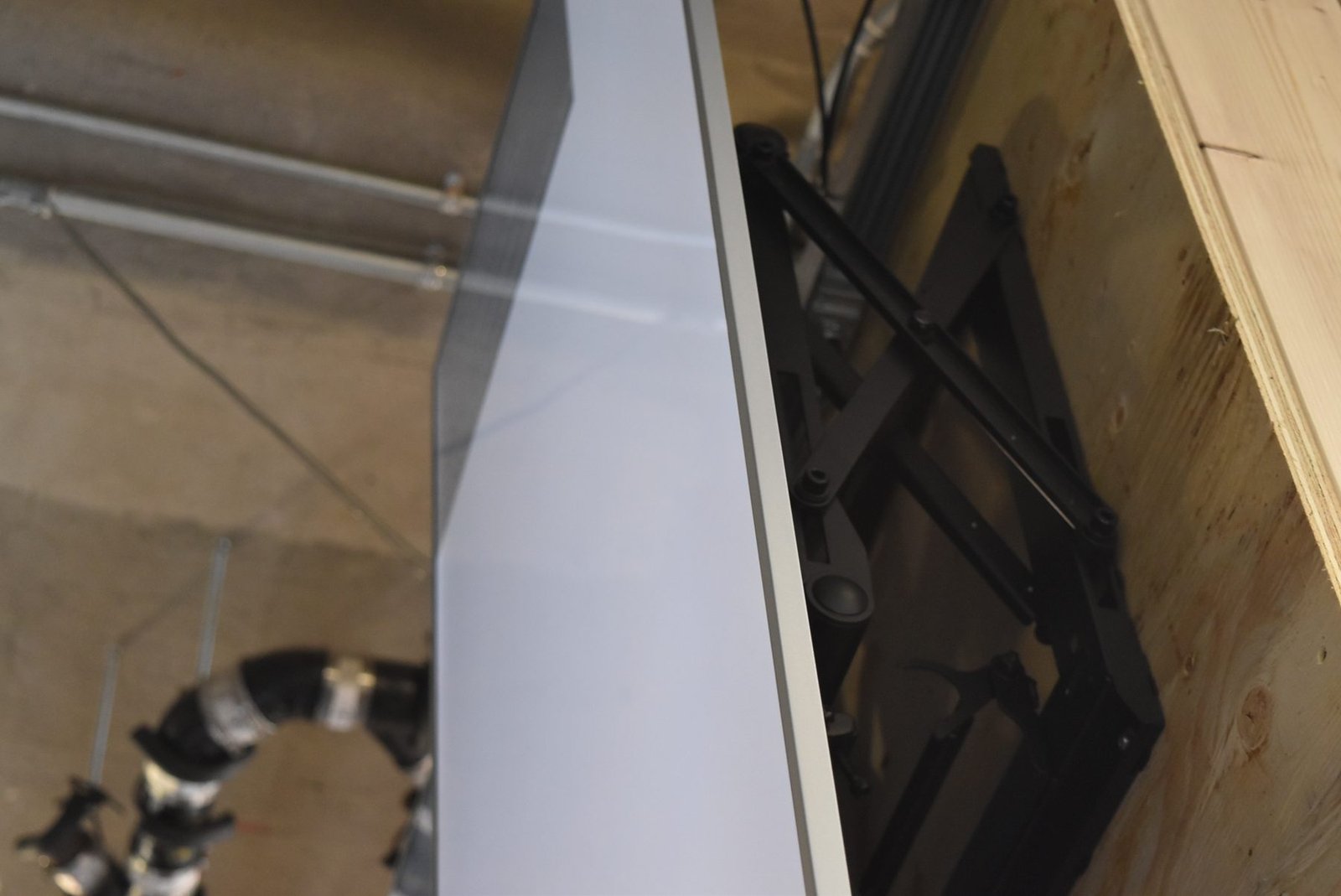
The result
With every screen in place, the seams fade away and the LCD video wall reads as one huge image. Studio art for new releases can play across the full width of the lobby, as stills or motion, and ArcLight can change it whenever it likes.
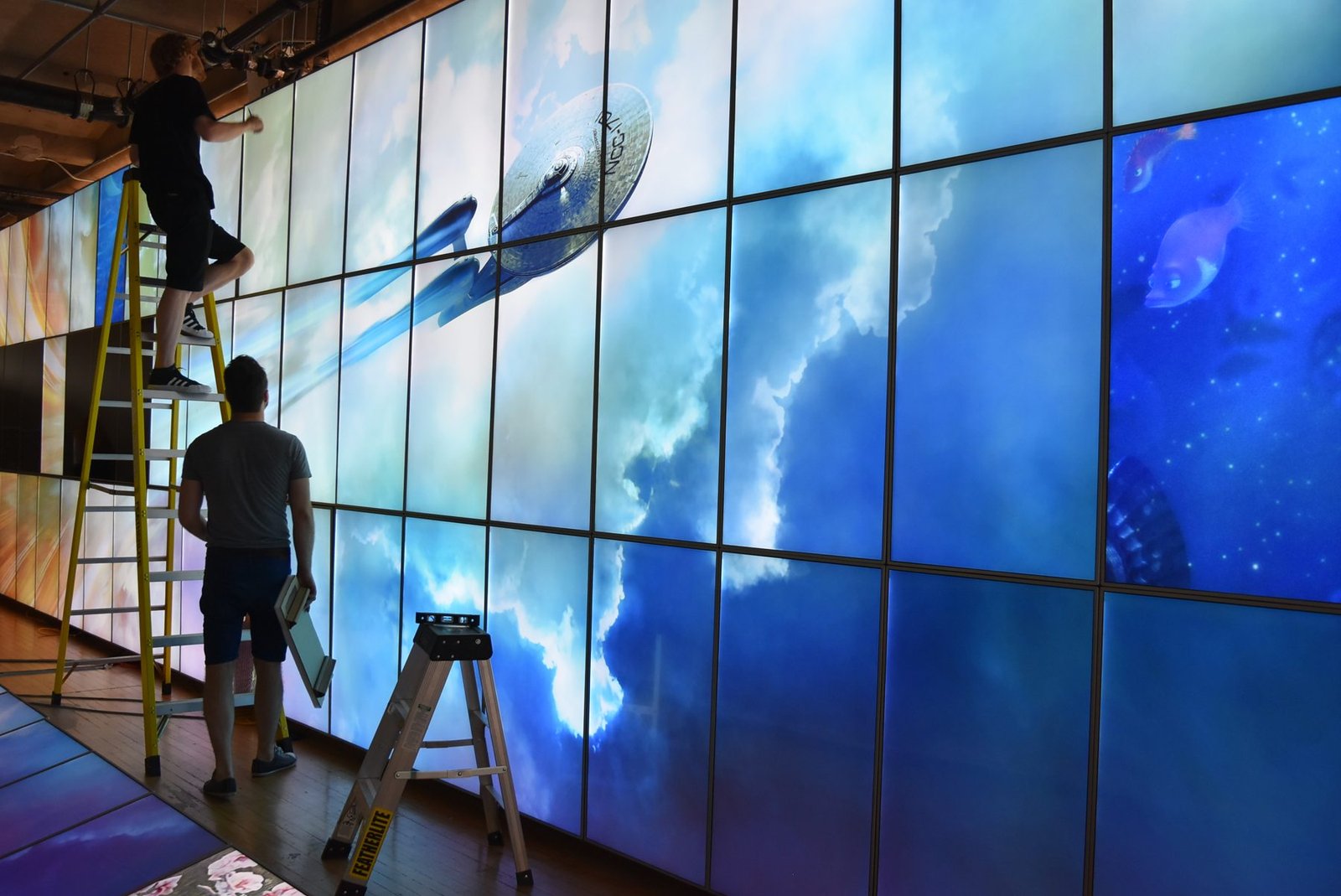
It’s a big LCD video wall, but what makes it work is a set of small decisions made well: a structure that carries the load, mounts that line up and open with a push, brackets that fit every screen the same way, and cabling that stays hidden but within reach.
Where SurfaceID fits in
SurfaceID developed LCD screens for Videri from 2012 to 2020. On the ArcLight StoryWall, Videri’s project managers ran the program, and our mechanical engineers led the hardware side: selecting the mounts, designing and building the support structure, and testing the mechanical function of the whole LCD video wall in Montreal before it shipped. That work took us from the New York City subway to cinema walls like this one at ArcLight Sherman Oaks and ArcLight Hollywood, and into hundreds of retail installations. Seeing those screens come together into a single 50-foot wall is still one of our favourite examples of what thoughtful hardware engineering makes possible.
Sources: ArcLight / Cinema Scene Marketing announcement (PRWeb, Sept 2016); OUTFRONT Media release (PR Newswire, Sept 2016); Premier Mounts ArcLight case study.
Building something big?
From commercial LCDs to complete products, SurfaceID brings industrial design, mechanical engineering and electronics under one roof.